Admin

Welcome to your new Square Community!

The wait is over — the refreshed Square Community is here! We’ve redesigned the Community to make it simpler and faster for you to find what you need, whether you’re looking for answers, sharing feedback, or connecting with other sellers.


Here's whats new:


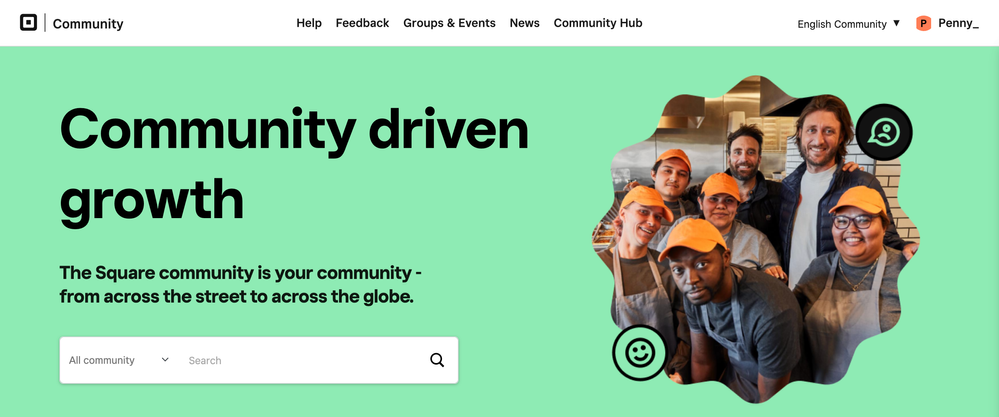
📍 A Simpler Way to Navigate
 

Screenshot 2025-09-08 at 12.37.55 PM.png


We’ve reorganized everything into four clear categories:

  • Help – Get (and give!) answers about Square products
  • Feedback – Share your ideas and feature requests
  • Groups & Events – Connect with other businesses that use Square
  • News & Updates – Stay up to date on what’s new with Square


🫱🏻‍🫲🏽 Find Help, Fast


If you have a question about a Square product, the Help section is the place to start. The new help board experience is organized by product categories (instead of individual products):


  • Hardware, Setup & Troubleshooting
  • Orders, Menu Items, Catalog & Fulfilment
  • Payments Troubleshooting
  • Appointments & Booking
  • Online Store
  • Staff & Payroll
  • Reports Setup & Management 
  • Customer Engagement
  • Banking with Square

help-category.png


When exploring the help section, you might come across replies that have been marked as "Best Solution". Learn more about what these are and how to mark helpful replies as Solutions, here


💡 A Dedicated Home for Your Feedback


The NEW Product Feedback Hub is your direct space to share ideas and feature requests with Square. Here, you can submit requests, upvote ideas from fellow sellers, and join product discussions that shape future updates. The Hub connects you with Square’s product experts and other business owners, working together to build tools that better support your day-to-day needs.


Screenshot 2025-09-16 at 4.20.39 PM.png


Learn how to use the Product Feedback Hub  →


Learn best practices for posting a Feature Request → 


🌍 Everything in One Place


We’ve brought all of our English-speaking Communities — including Australia, Canada, Ireland, the UK, and the USA — together under one roof. Now, sellers across regions can connect, collaborate, and learn from one another in a single space, making it easier to share experiences and find support.


For members who prefer to connect in another language, you can easily do so by using the language toggle in the top right corner. Our Community is also available in French, Spanish, and Japanese, so you can engage with peers and Square team members in the language that feels most comfortable.


Ready to dive in?

Explore our Community Resources that guide you through how to get the most out of the Square Community.


💬 Questions or feedback? Drop them in the new Feedback Hub — we’d love to hear from you.

12 Replies
Square Champion

This is fantastic!  Going to have fun exploring the new things!!

Square Champion

Great work by everyone involved in this update. I'm sure it was no easy task!

Square Champion

Great update! Thanks for the work you guys put into this 🙂 

Excited to check everything out and get more involved, thanks y'all! : )

fantastic

Hi all - kind of a silly question but when closing and doing "End Drawer", Square has started to printout an End Drawer slip that doesn't show the "Actual" or balance.  It just has 2 blank lines.

Anyone else have this and do you know how to fix it?

TIA

Ywolt

Hello, I added 2 more percentage points at the Tax+Processing Fee, So can I keep it when I declare?

very very new to this - I have found it extremely difficult to get the answers I need by search.  I usually am able to find whatever I need, but have had no luck.  I'm trying to set up an item so when purchased it would go in as 1 item and have the item cost related to the unit.....i.e.    

1 glass of red wine  ....  should deduct 177.42 ml from the inventory, but it only deducts 1 mil.....pls help!  Thank you!

So im never to sure were to or who to write to 


Why does the app on the ipad request a 2 step verification using mobile number but on the same ipad you can go onto safari and log in using the same email and password, no two step verification(mobile) and login. i find this very counter security.

it means any staff member with the password can always login by bypassing the APP.


Also can someone please make changes to the split bill for Australian hospitality or hospitality in general .. it has way to many steps and creates long waits at the till..    This is a major major issue ...


Can somone also fix the thermal printing for coffees and drinks from the ipad as it has changed from printing full docket to now cutting the docket short, means you cant read the full docket from the printer without tearing it off .. was working fine before not sure what update has been done to change this ..

Now everytime i print a receipt on Squareup terminal..there is always title "IN STORE" appearing despite of location is mobile...I don't want "IN STORE" to appear on receipt...is there anyone who can help me to remove it...

It was ok before...just happening after last update ...few days back

Honestly the new layout does feel cleaner and easier to navigate compared to a lot of community forums that end up becoming cluttered over time. Grouping things into simpler categories probably makes it much easier for users to actually find answers instead of endlessly searching through random threads.

I also like seeing dedicated feedback sections because structured user feedback usually leads to much better improvements long term than scattered support posts.

Do you have to have a registered business bank account to use this? I want to use it for table top sales and I do not have a business bank account.

Similar Threads
1099-K tax forms and tax season overview for US sellers
Square Releases is Back: Vol. 2, 2025 Guide to What's New
Members of the Month: September 2025
Welcome to your new Square Community!

