

Hi sellers! đ
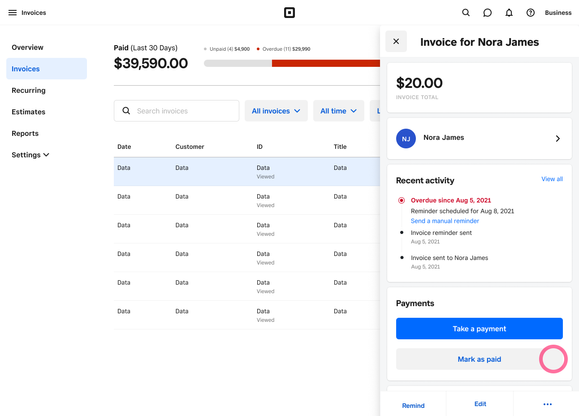
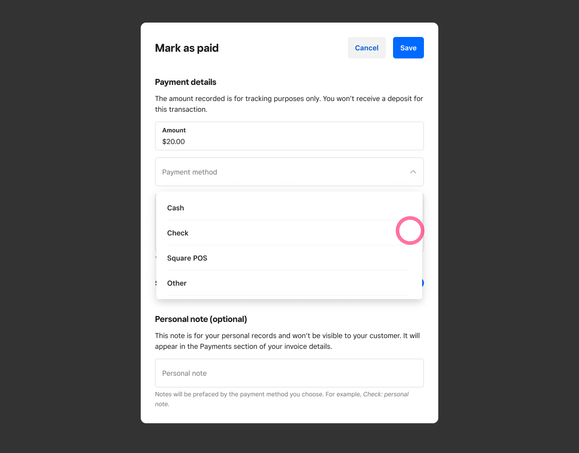
Weâve recently made some updates on how you can mark an invoice as paid within Square Dashboard. With this update, a new âMark as paidâ option will appear when you select an invoice. Here youâll be able to capture any payments you receive outside of Square Invoices (like Cash, Checks or payments taken through Square POS). Youâll still have the ability to record a Credit/Debit card transaction by selecting the âTake a paymentâ option.
With this release youâll be able to:
-
Record any payments for an invoice made outside of Square Invoices (cash, check, payments taken through Square POS or any other method)
-
Better manage outstanding invoices and understand how invoices got paid
-
Take additional payment methods - added the ability to take a payment on an invoice using a card on file


Learn more by visiting our support center. Give us feedback and let us know if you have any questions in the comments below.