
- Home
- >
- Community Archive
- >
- Public Archive
- >
- Archived Discussions (Read Only)
- >
- Re: how do I get and inventory count for a specifi...

- Subscribe to RSS Feed
- Mark Thread as New
- Mark Thread as Read
- Float this Thread for Current User
- Printer Friendly Page
How do I get and inventory count for a specific time frame?
How can I get an inventory count for a specific time frame?
- Mark as New
- Subscribe to RSS Feed
- Permalink
- Report



- Subscribe to RSS Feed
- Mark Thread as New
- Mark Thread as Read
- Float this Thread for Current User
- Printer Friendly Page
Hey @anew2lea!
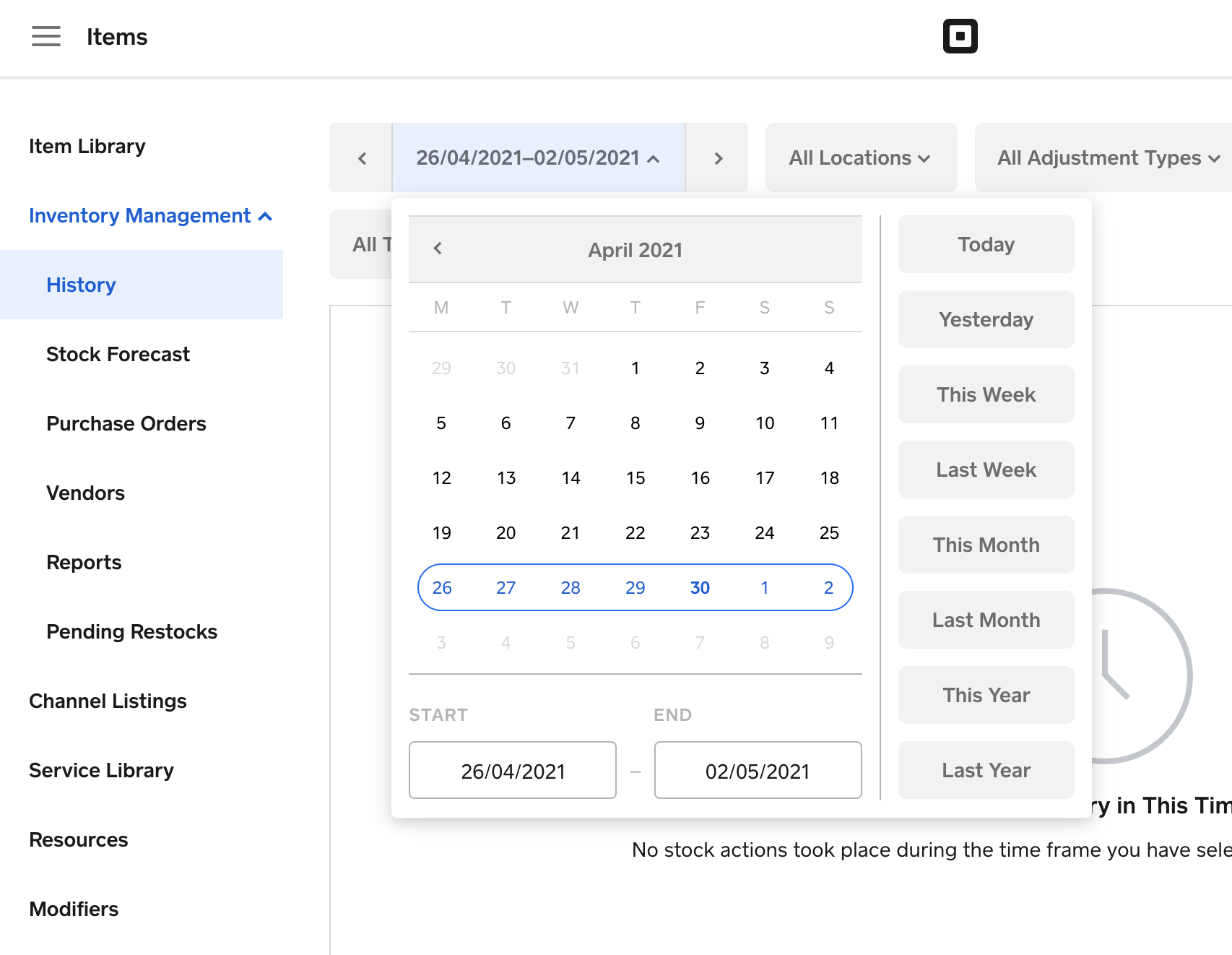
If you have Square for Retail: Inventory Plus, when you manually adjust your stock, accept a purchase order, or make a sale, your History log will reflect each adjustment. Your History log is intended to give you a detailed account of your current inventory levels by listing out each stock adjustment. It will also let you select a specific timeframe:
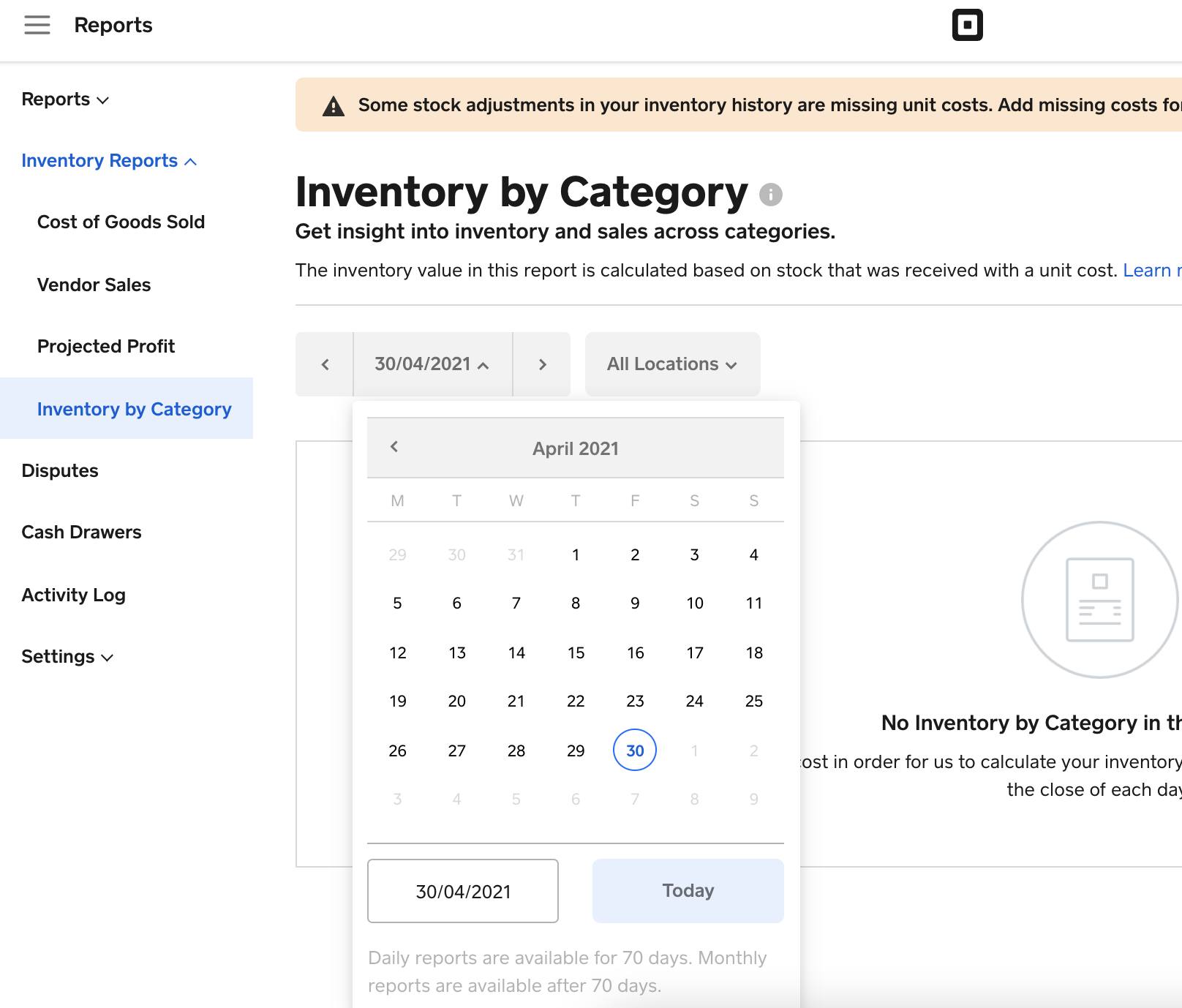
Plus also comes with an Inventory by Category report - which will allow you to view inventory by category on each day for the last 70 days:
Are either of these what you're looking for? Let me know! ✨👩🏼💻

- Mark as New
- Subscribe to RSS Feed
- Permalink
- Report

- Subscribe to RSS Feed
- Mark Thread as New
- Mark Thread as Read
- Float this Thread for Current User
- Printer Friendly Page
I'm looking at this report by item that you mention in your report. I need to get by 12/31 inventory count to compare to my inventory taking (I forgot to download 12/31 inventory from Square at that time as was on vacation).
a) The History Log report for 12/31 or 1/1 shows adjustment-i.e. 12 items received. But I don't believe this is the item on hand at those dates. If it isn't its not what I'm looking for. If it is, I can't export this report to Excel to compare to my inventory count.
b) The inventory by category at one of those dates seems to work and can be exported-but it is only by category and I need it by item.
Thanks in advance!
- Mark as New
- Subscribe to RSS Feed
- Permalink
- Report

- Subscribe to RSS Feed
- Mark Thread as New
- Mark Thread as Read
- Float this Thread for Current User
- Printer Friendly Page
Hi and welcome to the Seller Community! 👋
This would be considered a feature request at this time, @kjtuit.
I will make sure to pass your interest in backtracking inventory by item at hand to a specific date over to our product team for their visibility and consideration when working on future updates.
Community Moderator, Square
Sign in and click Mark as Best Answer if my reply answers your question.
- Mark as New
- Subscribe to RSS Feed
- Permalink
- Report

Square Community