

- Subscribe to RSS Feed
- Mark Thread as New
- Mark Thread as Read
- Float this Thread for Current User
- Bookmark
- Subscribe
- Printer Friendly Page
Square Header
This site had no option for me to add a comment or continue along commenting on a prior post on this subject, so I am forced to create new thread. I am used to creating websites on many different interfaces, yet have been unable to add a header image on the front page of my new Square site. No image size is working, displaying properly. There is a three-page thread where several people have this same problem, and there was no resolution to it. First of all, you would think that Square would actually tell you the proper dimensions of the Banner Image needed as you are trying to place one into the box. But they don't, for some reason. If Square interface cannot even get my main website image up onto the first page, then can somebody please tell me why I would use Square?
- Mark as New
- Bookmark
- Subscribe
- Subscribe to RSS Feed
- Permalink
- Report

- Subscribe to RSS Feed
- Mark Thread as New
- Mark Thread as Read
- Float this Thread for Current User
- Bookmark
- Subscribe
- Printer Friendly Page
HI, the main banner gives 17 different display options. In the screenshot below you can see under Customize Layout a few.
When you click on Banner Image, 3 dots appear, a popup appears to Set Image Subject so you can adjust the image placement.

TERRI
- Mark as New
- Bookmark
- Subscribe
- Subscribe to RSS Feed
- Permalink
- Report
- Subscribe to RSS Feed
- Mark Thread as New
- Mark Thread as Read
- Float this Thread for Current User
- Bookmark
- Subscribe
- Printer Friendly Page
Thanks, I see that now, thanks to you, but I am still having to re-size my images to try to get them to fit into, say, the horizontally-aligned boxes. I suppose I should just create numerous images from my main Photoshop image and keep trying to see which size fits best, with no blurring, or being cut off?
- Mark as New
- Bookmark
- Subscribe
- Subscribe to RSS Feed
- Permalink
- Report
- Subscribe to RSS Feed
- Mark Thread as New
- Mark Thread as Read
- Float this Thread for Current User
- Bookmark
- Subscribe
- Printer Friendly Page
HI, images need to be 1:1 and adjusted on the Home Page, Shop All Page and Item Page.
Screenshot for Shop All Page.

Hopefully these Square Support pages will help also.
https://squareup.com/help/us/en/article/6894-product-images-on-square-online-store
https://squareup.com/help/us/en/article/6887-adding-pictures-to-your-square-online-store
TERRI
- Mark as New
- Bookmark
- Subscribe
- Subscribe to RSS Feed
- Permalink
- Report



- Subscribe to RSS Feed
- Mark Thread as New
- Mark Thread as Read
- Float this Thread for Current User
- Bookmark
- Subscribe
- Printer Friendly Page
Jumping in to help with the thread comment, @Catch22!
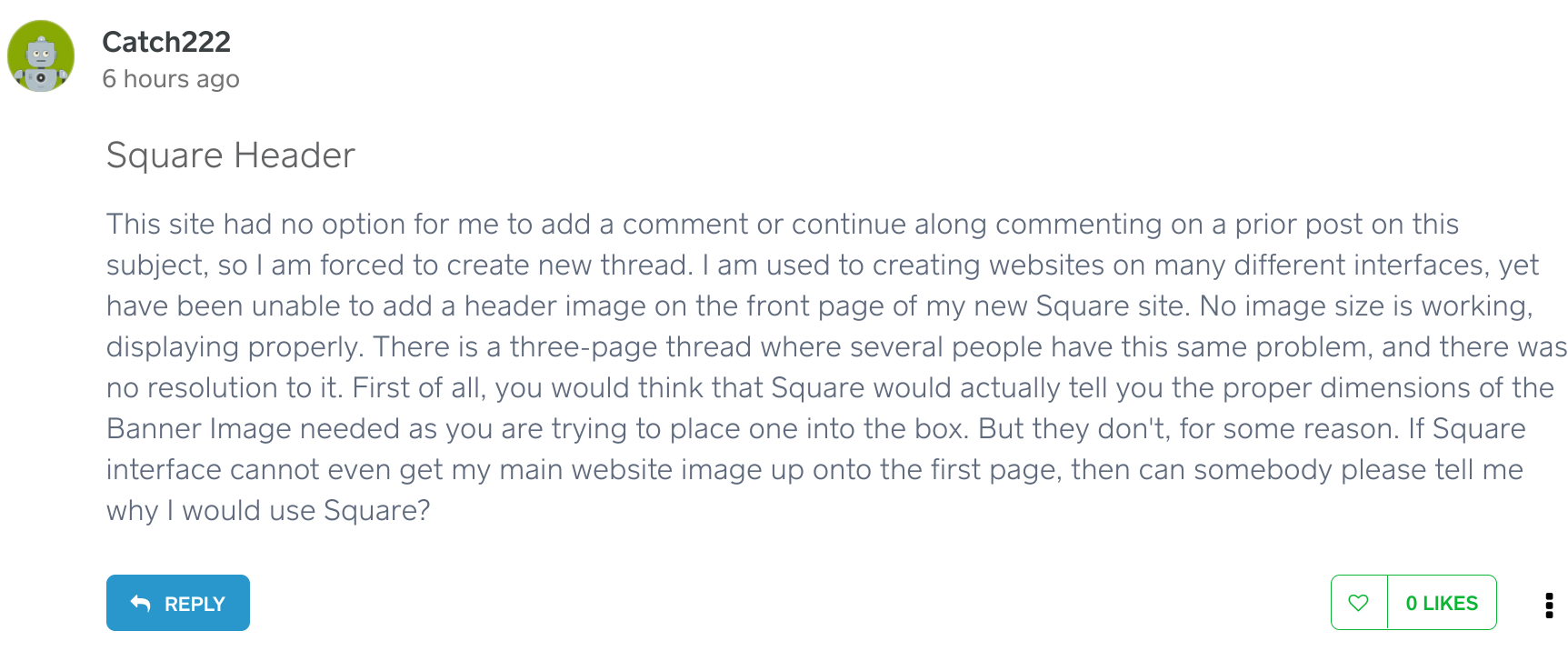
I see @Goldneye is already helping with your questions, but I wanted to make sure you were able to see the Reply button on posts so that you are able to comment on existing posts in the future. Is it possible you were logged out initially? You should see something like this when you are logged into the Community:
Community Moderator, Square
Sign in and click Mark as Best Answer if my reply answers your question.
- Mark as New
- Bookmark
- Subscribe
- Subscribe to RSS Feed
- Permalink
- Report

Square Community
Square Products