
- Home
- >
- Community Archive
- >
- Public Archive
- >
- Archived Discussions (Read Only)
- >
- Changing recurring payment amount

- Subscribe to RSS Feed
- Mark Thread as New
- Mark Thread as Read
- Float this Thread for Current User
- Printer Friendly Page
Changing recurring payment amount
I started a new service and ran a promotion with it. Some customers want to make their payment through autopay. With the promotion I ran the customers would get billed at one price for 2 months then after that it would go up to another amount and remain at that amount until they decide to stop the service. Is there a way to change the recurring payment amount after its set up?
- Mark as New
- Subscribe to RSS Feed
- Permalink
- Report



- Subscribe to RSS Feed
- Mark Thread as New
- Mark Thread as Read
- Float this Thread for Current User
- Printer Friendly Page
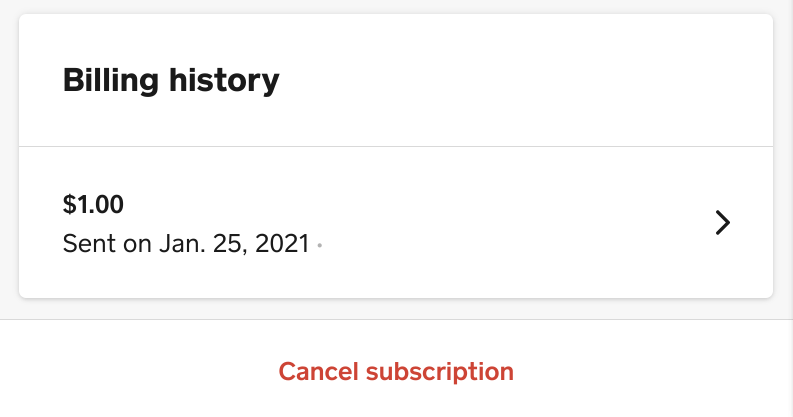
Your customer subscribed and agreed to $X.XX amount, so a new link will be required in order to begin to charge your customer $Y.YY amount. For these customers, you will need to cancel the subscription from the Subscriptions page, and create a new checkout link for the new recurring payment amount, @b23norris.
I hope this helps clarify how Square Online Checkout links work when used for subscriptions! ✨
Community Moderator, Square
Sign in and click Mark as Best Answer if my reply answers your question.
- Mark as New
- Subscribe to RSS Feed
- Permalink
- Report

Square Community