

- Subscribe to RSS Feed
- Mark Thread as New
- Mark Thread as Read
- Float this Thread for Current User
- Bookmark
- Subscribe
- Printer Friendly Page
Email Creation for Newsletter/ Unsubscribe Link
Hello, I am nearly pulling my hair out (not a good look by the way :)).
I am doing a Newsletter through Marketing -> Mailing Lists. I bought up the list of my contacts that opted in for my newsletter and hit the Compose an Email button within this list of people. I created the Newsletter (simple enough), and gone through all the steps i.e
- Mark as New
- Bookmark
- Subscribe
- Subscribe to RSS Feed
- Permalink
- Report



- Subscribe to RSS Feed
- Mark Thread as New
- Mark Thread as Read
- Float this Thread for Current User
- Bookmark
- Subscribe
- Printer Friendly Page
Hi @RobbieB,
Thank you for reaching out and sorry to hear about your trouble with the unsubscribe link!
While the unsubscribe link in the footer can't be edited, I've done some testing to replicate this on my end and found that the unsubscribe link opens a new tab on my browser. From here, subscribers need to click unsubscribe once more to confirm that they no longer want to receive newsletters.
Here's what this looks like:
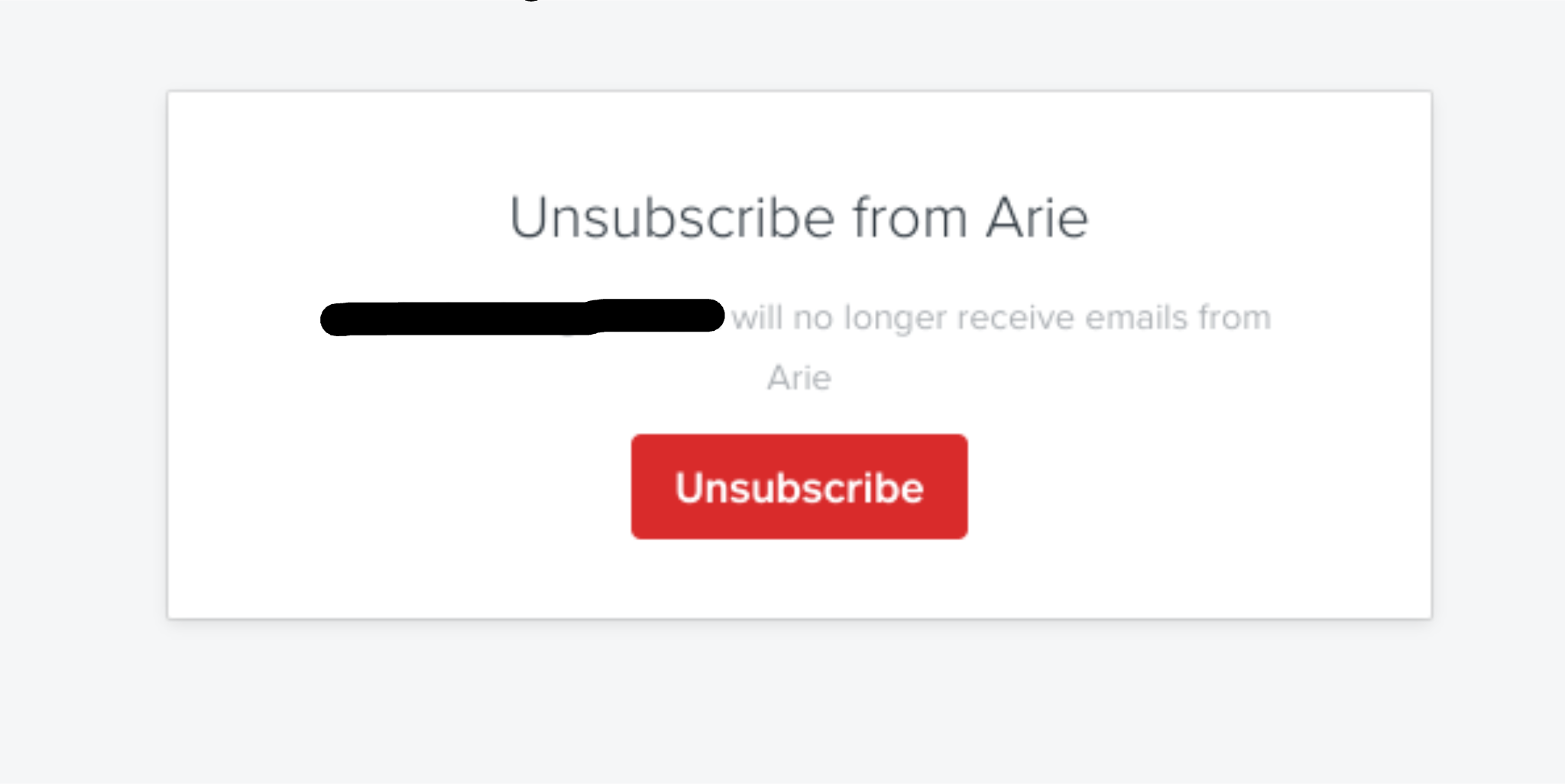
It's definitely odd that the default unsubscribe link doesn't work for you! Which browser are you using? Do you have any browser extensions that might prevent pop ups, or new browser tabs from opening?
- Mark as New
- Bookmark
- Subscribe
- Subscribe to RSS Feed
- Permalink
- Report
- Subscribe to RSS Feed
- Mark Thread as New
- Mark Thread as Read
- Float this Thread for Current User
- Bookmark
- Subscribe
- Printer Friendly Page
Hi Ari, sorry but I was unable to respond at the time (it gave me an error message). Anyway, I checked through and enabled popups in every place imaginable and it still gave me an error. I am not sure that popups are the best thing to happen because most people I know disable them. I think whats best is that I put the button in even though it looks stupid with an unsubscribe button AND an unsubscribe link, because the button will bring up like an email and they can unsubscribe that way. Right now if they click the link and dont have popups enabled they can’t unsubscribe. Maybe you can look at a better way like some that I know of that takes you to a new browser window rather than popup.
- Mark as New
- Bookmark
- Subscribe
- Subscribe to RSS Feed
- Permalink
- Report
- Subscribe to RSS Feed
- Mark Thread as New
- Mark Thread as Read
- Float this Thread for Current User
- Bookmark
- Subscribe
- Printer Friendly Page
Hey @RobbieB,
The unsubscribe link does open in a separate browser tab, not a pop-up within the site. However, some browsers can block both new tabs opening, as well as pop-ups within the site you're on.
Our support team can look into how you've set up the newsletter further, as we can't troubleshoot these settings via our community forum unfortunately!
You can call support on 1800 760 137. Our lines are open Mon-Fri, 9am-5pm Melbourne time, or contact us via online chat or email:
1. Sign in to your Square account
2. Head to our contact page https://squareup.com/help/au/en/contact
3. Go to "Other"" then "I don't see my issue"
4. Click "Message us" or "Email us"
- Mark as New
- Bookmark
- Subscribe
- Subscribe to RSS Feed
- Permalink
- Report
- Subscribe to RSS Feed
- Mark Thread as New
- Mark Thread as Read
- Float this Thread for Current User
- Bookmark
- Subscribe
- Printer Friendly Page
Thanks Arie ☺️
- Mark as New
- Bookmark
- Subscribe
- Subscribe to RSS Feed
- Permalink
- Report

Square Community
Square Products