

Square
🆕 Mobile location switching

Hi Square Community! 🙌


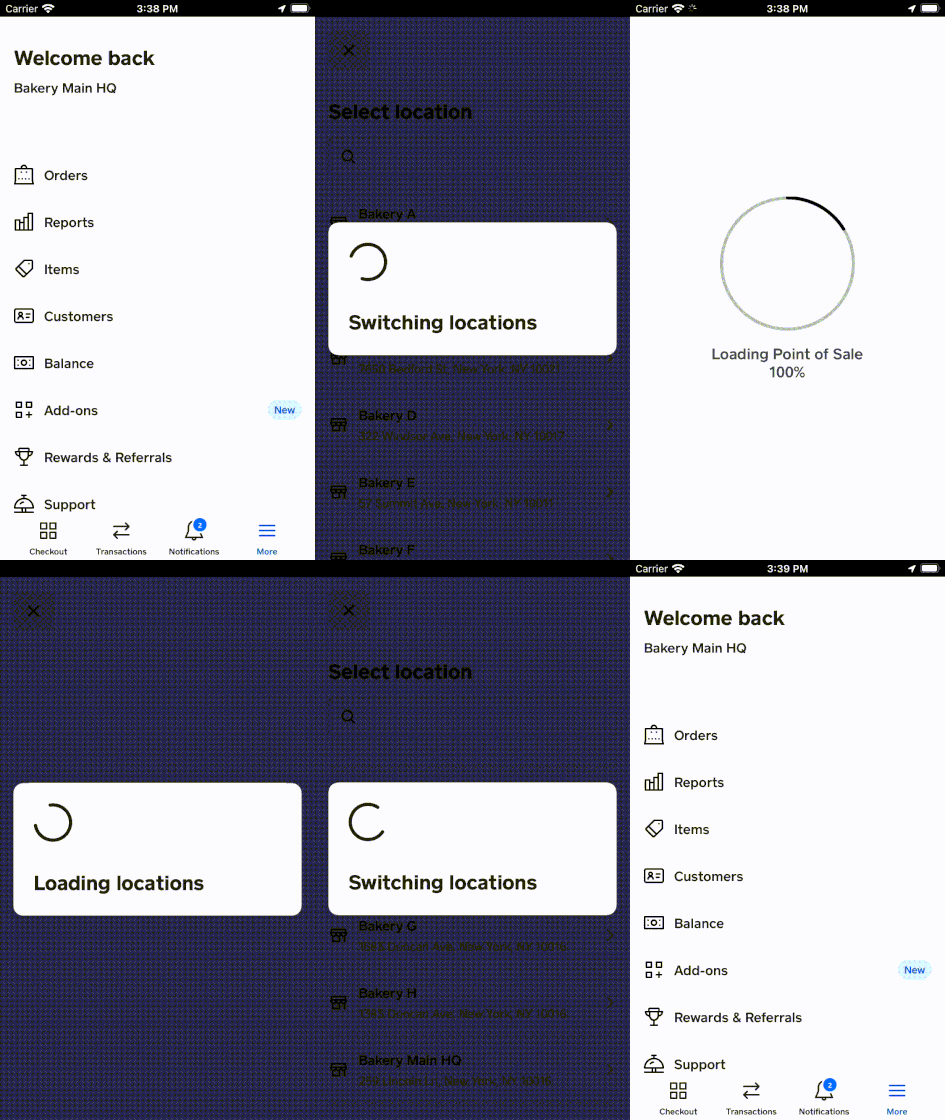
We know that sellers with multiple merchants or multi-location merchants have a hard time switching between their various properties on both web and mobile. To help make things easier, we’ve launched mobile location switching!


To switch between locations from the Square Point of Sale app:


  1. From the navigation bar at the bottom of your screen, tap More.
  2. Select Switch location.
  3. Choose the location you would like to view. 


You can also switch between locations from the Square Appointments appRead more about how to Manage multiple locations with Square on our Support Center.


Ryan_M_2-1647904171456.gif


20 Replies
Similar Threads
🆕 Improved checkout accuracy with sound feedback
🆕 Reconciliation Report CSV export now available
🆕 Search and sell faster with a connected keyboard
🇨🇦 Fresh off the line: Square’s latest features to transform your restaurant operations